Catch broken links on every Vercel deployment with linkinator
A link checker that runs against the dev server and after every Vercel deployment, reports back as a GitHub check, and holds back production releases with broken links. On its first run, it found a broken link in my own structured data.
Type checks, linters and tests don't notice when a link stops working. Most broken links on a Next.js site with a CMS don't come from the code anyway: an editor links to a page that was renamed, an external site moves its docs, or a generated URL works in development and not in production. So I check links the only way that catches all of that: by crawling the deployed site.
On boraan.at, a crawl with linkinator runs after every Vercel deployment. This week I added the same setup to this site, and went one step further: a production deployment with broken links no longer goes live. Here's how it works, and what it found on its first runs.
One script for development and deployments
linkinator has a CLI, but I call its API from a small script, so I can decide which broken links fail the check (more on that below). It takes the URL to crawl and defaults to the local dev server:
import { check, LinkState } from 'linkinator';

const url = process.argv[2] ?? 'http://localhost:3001';
const bypassSecret = process.env.VERCEL_AUTOMATION_BYPASS_SECRET;
const headers = bypassSecret ? { 'x-vercel-protection-bypass': bypassSecret } : {};

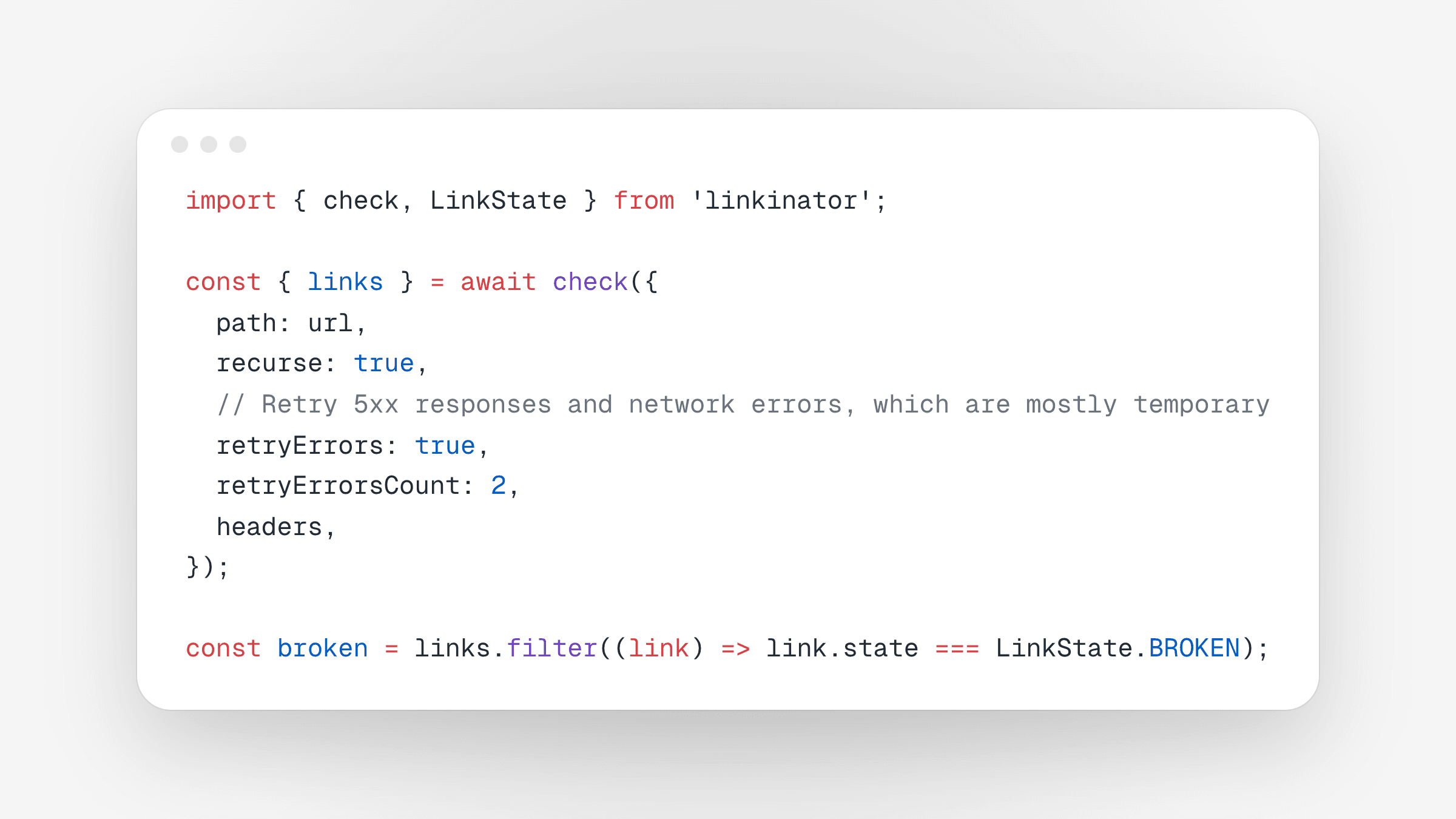
const { links } = await check({
  path: url,
  recurse: true,
  timeout: 30_000,
  // Retry 5xx responses and network errors, which are mostly temporary
  retryErrors: true,
  retryErrorsCount: 2,
  headers,
  // Sites that answer automated requests with 403
  linksToSkip: [String.raw`^https://crates\.io/`],
});

const broken = links.filter((link) => link.state === LinkState.BROKEN);
With recurse, linkinator follows every link on the same origin and checks external links without crawling them. Locally, bun run integration:broken-links checks the dev server; with a URL it checks any deployment.
Run it after every Vercel deployment
Vercel sends a repository_dispatch event to the GitHub repository when a deployment is ready, with the deployment's URL and commit in the payload. That's all a workflow needs:
on:
  repository_dispatch:
    types: ['vercel.deployment.ready']

permissions:
  contents: read
  checks: write
  statuses: write

jobs:
  broken-links:
    name: Crawl deployment
    runs-on: ubuntu-latest
    env:
      URL: ${{ github.event.client_payload.url }}
      SHA: ${{ github.event.client_payload.git.sha }}
      VERCEL_AUTOMATION_BYPASS_SECRET: ${{ secrets.VERCEL_AUTOMATION_BYPASS_SECRET }}
    steps:
      - uses: actions/checkout@v5
        with:
          ref: ${{ env.SHA }}
      - uses: oven-sh/setup-bun@v2
      - run: bun install --frozen-lockfile
      - run: bun --cwd=apps/web run integration:broken-links "$URL"
Two things to know about repository_dispatch:
- It always runs the workflow file from the default branch. A new workflow does nothing on the pull request that adds it. It starts working once it's merged, and from then on it also checks the previews of other pull requests. That's also why it checks out the deployed commit explicitly instead of the default branch.
- It isn't tied to a commit. Unlike a
pull_requestworkflow, its result doesn't show up on the pull request or the deployment by itself. More on that below.
A protected deployment doesn't fail, it passes
The URL in the payload is the deployment's own *.vercel.app URL, not your domain, and with Vercel Authentication on, that URL is protected for production deployments too. I hadn't set up the bypass secret yet when the workflow first ran on production, and the check still came back with 105 links checked. Vercel had redirected the crawler to its login page, and linkinator checked that page instead of my site. The only broken link it found was Google's sign-in script, blocked with a 403.
Two changes fix that. Vercel's Protection Bypass for Automation gives you a secret that lets the crawler through when it's sent as the x-vercel-protection-bypass header; store it as a repository secret. And the script now refuses to start when the first page doesn't answer with a 2xx status, so a redirect to a login page fails loudly instead of passing:
const start = await fetch(url, { headers, redirect: 'manual' });
if (!start.ok) {
  console.error(`${url} answered with ${start.status} ${start.headers.get('location') ?? ''}`);
  process.exit(1);
}
Report back as a check run
To get the result next to the other checks of the pull request, the workflow creates a check run on the deployed commit with actions/github-script before the crawl, and completes it afterwards with linkinator's output. That's what the checks: write permission is for:
// Before the crawl
const { data } = await github.rest.checks.create({
  ...context.repo,
  name: 'Broken Links',
  head_sha: process.env.SHA,
  status: 'in_progress',
});

// After the crawl, also when it failed
await github.rest.checks.update({
  ...context.repo,
  check_run_id: data.id,
  status: 'completed',
  conclusion: outcome === 'success' ? 'success' : 'failure',
  // Check run texts are limited to 65,535 characters
  output: { title, summary, text: output.slice(-60_000) },
});
I use the script's last line, like "Checked 436 links: 0 broken, 20 warnings", as the check's title, so the result is readable without opening it. Give the job a different name than the check run, by the way: GitHub identifies checks by name, and two with the same name get mixed up.
Hold back production releases with broken links
A check on the pull request tells you about broken links. Vercel's Deployment Checks can also act on it: a production deployment is built as usual, but only gets the production domain once the required checks pass. Until then, the previous deployment stays live.
For a workflow triggered by repository_dispatch, Vercel provides an action that reports the job's result as a commit status on the deployed commit. It goes first in the job, sets the status to pending, and sets success or failure when the job ends (the statuses: write permission above is for this):
steps:
  # Sets "Broken Links | broken-links (<project> - <environment>)" on the deployed commit
  - name: Report to Vercel
    uses: vercel/repository-dispatch/actions/status@v1
  - uses: actions/checkout@v5
  # ...
Once a production deployment has run the workflow, the status shows up in the project's settings under Build and Deployment, Deployment Checks, where you add it as a GitHub check. Two details matter here:
- A skipped job passes. The action reports success whenever no step failed. My workflow used to skip deployments while the bypass secret was missing, which would have let every release through unchecked. Now a production deployment without the secret fails; only previews are skipped.
- Use the
readyevent.vercel.deployment.readyfires before the checks run;vercel.deployment.successwaits for them, so a check triggered by it would wait for itself.
If a release has to go out anyway, Force Promote on the deployment's page skips the checks.
Decide what should fail the check
A link checker that fails for reasons you can't fix gets ignored quickly, and once it blocks releases, it gets in the way. Three things keep it useful:
- Retry temporary errors. External sites time out or answer with a 5xx now and then.
retryErrorsretries them before calling them broken. On boraan.at, the workflow simply ran the whole check a second time before failing. - Skip sites that block bots. Some sites answer every automated request with 403 or a challenge page. Their links work for people, so I skip them by URL pattern.
- Separate content you don't control. My open-source pages render the README of each GitHub repository, and old READMEs link to documentation services that no longer exist. A broken external link on those pages is a warning; anything else fails the check:
const isThirdParty = (link: LinkResult) =>
  !link.url.startsWith(origin) &&
  new URL(link.parent ?? url).pathname.startsWith('/open-source/');

const errors = broken.filter((link) => !isThirdParty(link));
const warnings = broken.filter((link) => isThirdParty(link));

if (errors.length > 0) process.exit(1);
This is the reason for a script instead of the CLI: --skip only matches the link's own URL, while each result from the API also tells you the page it was found on.
What it found on my own site
Before wiring anything up, I ran the script against production. Besides the README warnings, it found one real 404 on my own blog: /blog/<slug>/opengraph-image, linked from the post's JSON-LD.
The post's Open Graph image comes from an opengraph-image.tsx file, and I had built the structured data's image URL from that file name. That works in development. In production, Next.js serves file-based metadata images under a hashed URL, like opengraph-image-1p5g3f, and puts that into the og:image tag. The un-hashed URL I had written by hand returns 404. Nothing renders that URL visibly, so neither I nor any test would have noticed; search engines reading the structured data would have.
The fix is a route handler that serves the same generated image at a URL I control, /blog/<slug>/image.png, which the JSON-LD now uses. Since then, every deployment has come back with 0 broken links and the same 20 warnings from old READMEs.
Takeaways
- Check links on the deployed site, not in the code: that's where CMS content and production-only URLs show up.
- Vercel's
repository_dispatchevents plus a check run give you a post-deployment check that looks like any other CI check, and Deployment Checks turn it into a release gate. - Make sure the crawler actually reaches your site, and that skipping never counts as passing. A login page is a perfectly healthy page to a link checker.
- Only fail on what you can fix. Retry, skip bot blockers, and treat third-party content as warnings.
- Don't build URLs of file-based metadata images by hand in Next.js. They're hashed in production.